
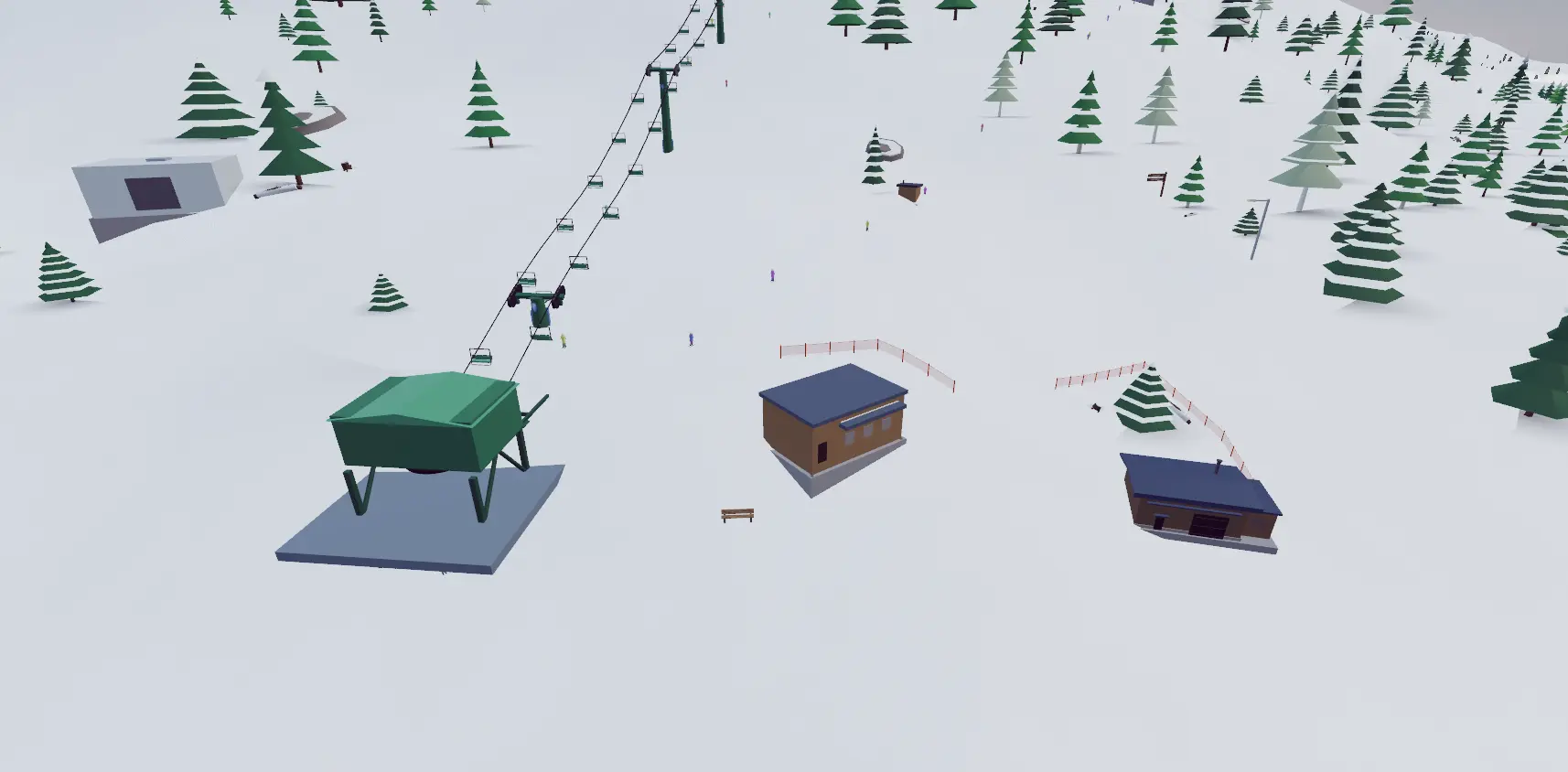
Terrain park tools
- Jumps: place kickers and shape their approaches and landings.
- Rails and boxes: position and rotate features to create a line.
- Terrain: sculpt the slope around your park.
- Testing: switch to skiing to try your build, then edit it.
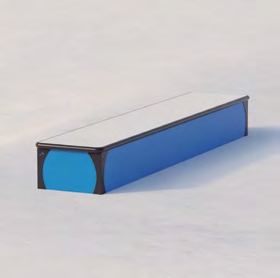
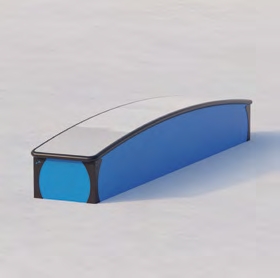
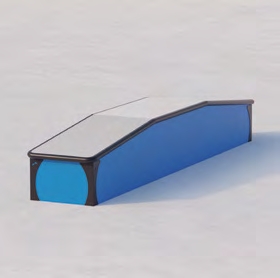
Three box shapes you can place
The feature library includes flat, rainbow, and battleship boxes. These asset previews show how their riding surfaces differ; you can position them as part of the same line.
For rail entries and exits to try on your build, see the rail trick reference.
Build your first park
- Choose Build, create a resort, and select a mountain.
- Place a jump or rail on a downhill route.
- Shape the approach and landing, then ski the feature.
- Adjust the terrain or placement and add the next feature.
Terrain controls
Press ? while using a terrain tool for brush size, strength, undo, and redo controls.
Add a resort around your park
The ski resort builder also includes lifts, trails, buildings, trees, and other resort objects.
Guide reviewed .