
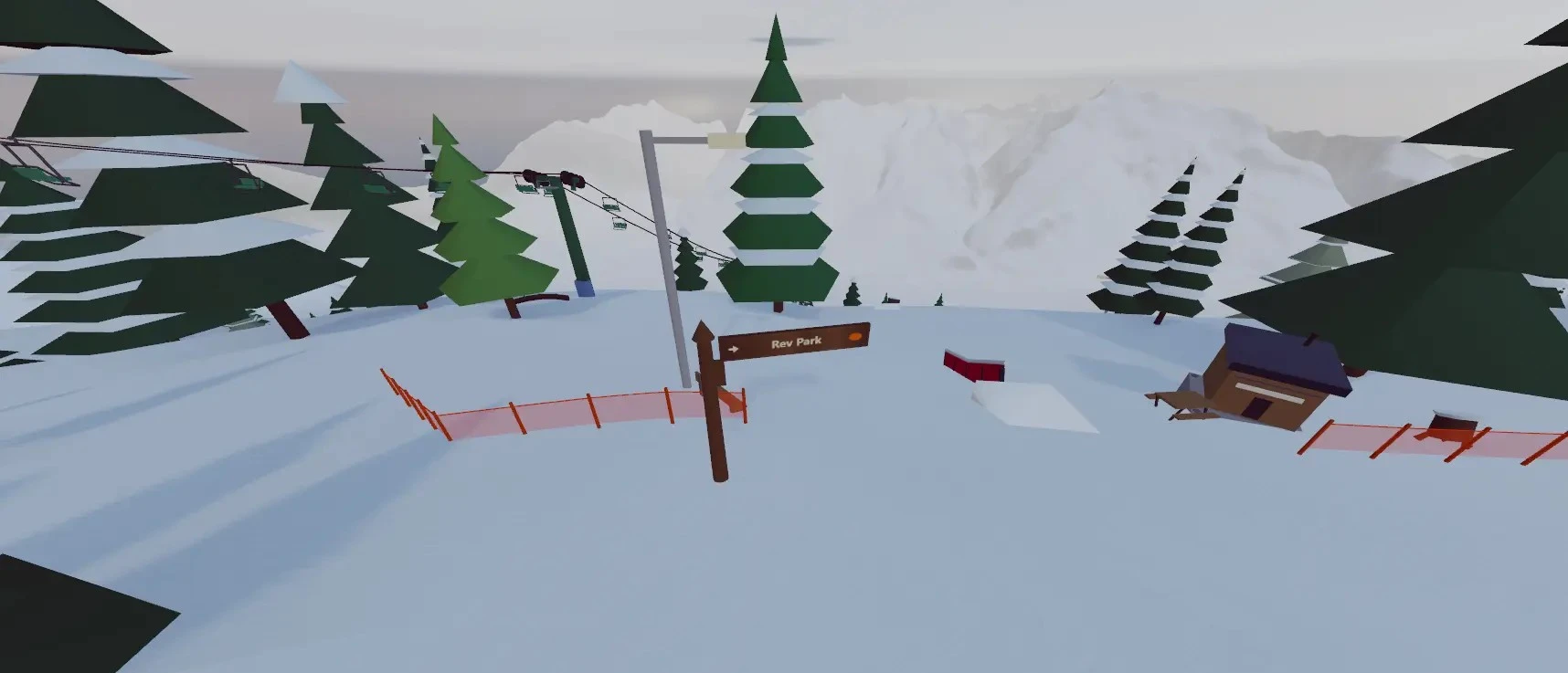
Join a public park
Open Freeski Parks, check the current player information on the park cards, and choose a mountain. Public parks do not need a room code. To meet friends, choose the same park. Player availability varies.
Join a friend’s resort
- Get the current room code or invitation link from your host.
- Choose Join a Friend's Resort on the welcome screen.
- Enter the code and your display name, then select Join Session.
Host your resort
- Open a resort and its multiplayer panel.
- Select Host Resort and check the privacy and capacity settings.
- Share the room code and keep the session open while your friends play.
You can host a resort you built yourself, including its terrain parks.
Connection help
- Cannot join: check the code, host connection, room capacity, and privacy settings.
- Slow loading: allow the resort assets to download; larger builds take longer.
- No voice audio: check mute controls and browser microphone permission.
Guide reviewed .