How to control a trick
On a keyboard, hold Space to charge a jump and release to take off. Use the arrow keys to rotate in the air, then release them to spot the landing. Hold Space in the air to tuck, or hold 1–5 for grabs.
Press ? for your current controls. Gamepad and touch controls have their own prompts; the movement descriptions below are not keyboard bindings. See ski movement and camera controls.
Spins
| Trick | Movement |
|---|---|
| 180 | Spin Left or Right |
| 360 | Spin Left or Right (full) |
| 540 | Spin (1.5 rotations) |
| 720 | Spin (2 rotations) |
| 900 | Spin (2.5 rotations) |
| 1080 | Spin (3 rotations) |
Flips
| Trick | Movement |
|---|---|
| Backflip | Pull Back |
| Frontflip | Push Forward |
| Double Backflip | Pull Back + Tuck |
Corks, mistys, rodeos, and bios
| Trick | Movement |
|---|---|
| Cork 540 | Back + Spin Right |
| Cork 720 | Back + Spin Right (held) |
| Cork 900 | Back + Spin Right + Tuck |
| Double Cork 1080 | Back + Spin Right + Tuck (big) |
| Misty 540 | Forward + Spin Left |
| Rodeo 540 | Back + Spin Left |
| Bio 540 | Forward + Spin Right |
Rail tricks
| Trick | Movement |
|---|---|
| Grind | Ski into any rail or box |
| Switch On | Ride backwards into a rail |
| Front 270 Out | Spin on rail exit |
| Blind 270 Out | Blind spin on rail exit |
| Ellen | FS on → Front 270 Out |
| K-Fed | FS on → Blind 270 Out |
| Britney | BS on → Front 270 Out |
“Switch” means riding backwards. In the rail hints, FS means frontside and BS means backside. “Out” describes the exit from the rail.
Find a place to practice
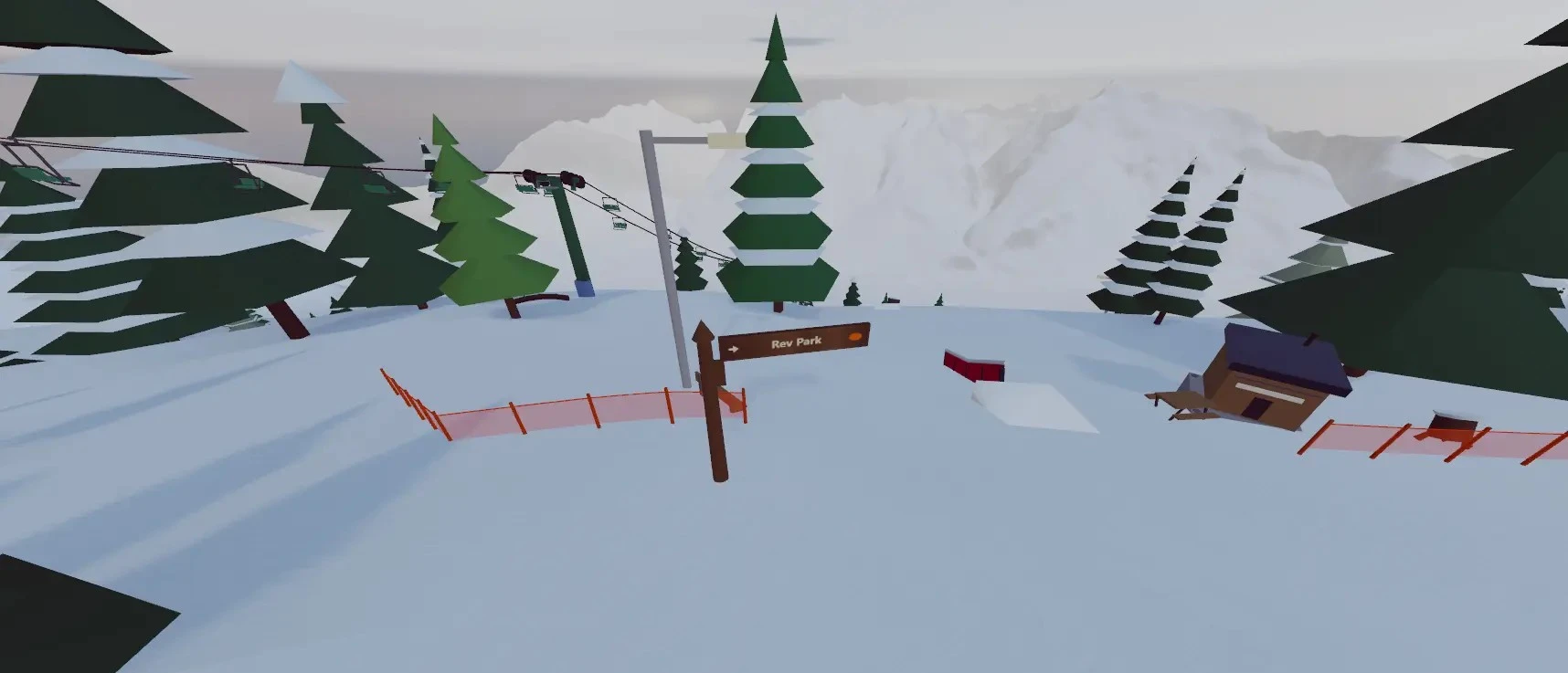
Choose Freeski Parks and enter a mountain with park features. Start with a straight air or a simple rail slide, then add rotation. Use the same feature for a few attempts so you can adjust your approach.
For your own practice line, build a jump, rail, or box and switch to skiing to test it. The trick tree records landed tricks; the list above is a selection, not the full tree.
Guide reviewed .