
Choose a game mode
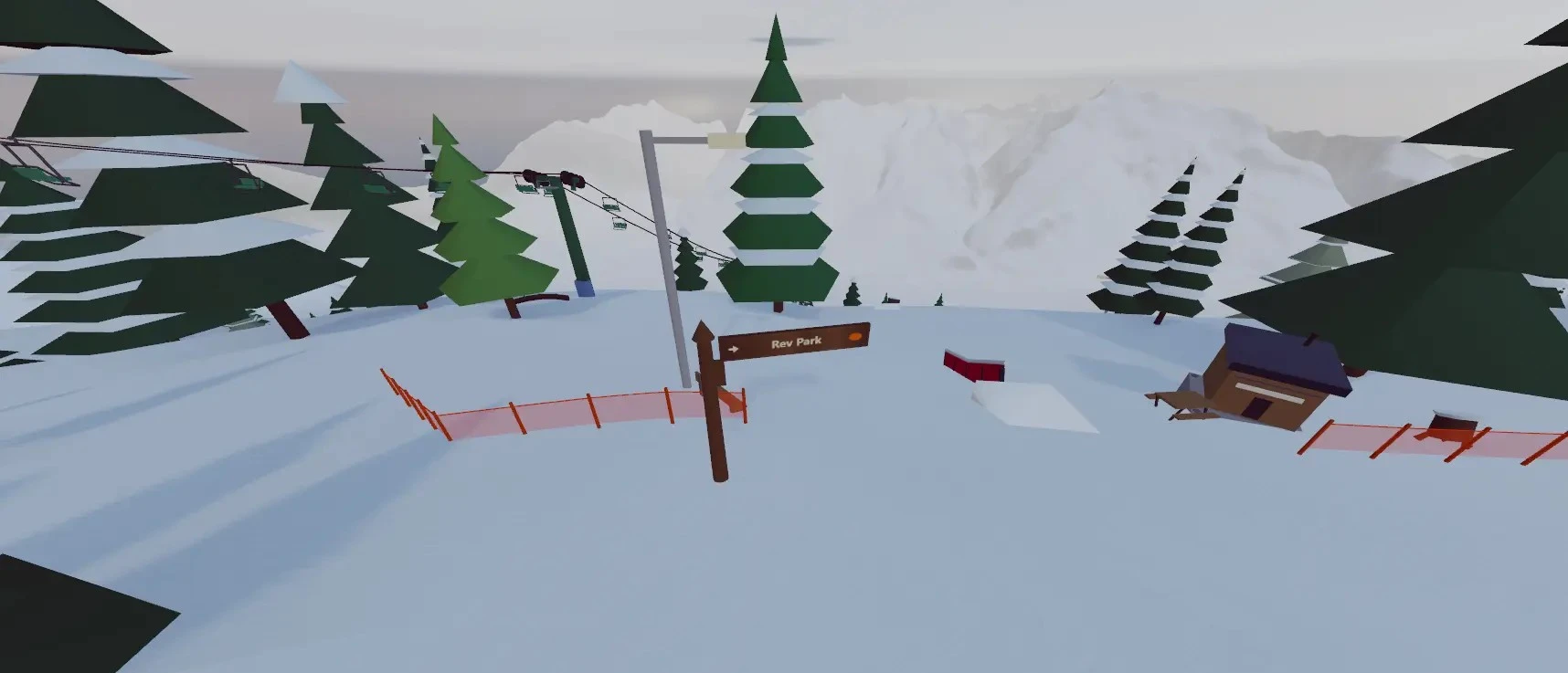
- Freeski Parks: join a ready-made public mountain.
- Build: create or open a ski resort.
- Compete: enter events.
- Join a Friend's Resort: enter a host's room code.
Mobile menus adapt to your screen; follow the on-screen prompts.
Ski controls
| Key | Action |
|---|---|
| W | Ski forward |
| A / D | Carve left / right |
| S | Snowplow brake |
| Shift | Tuck for speed |
| Space | Jump |
| V | Switch first / third person |
| P | Open waypoints |
| Tab | Open / close multiplayer |
| ? | Controls for your current activity |
Gamepads and mobile touch controls are supported. Press a controller button to let the browser detect it. Building, lift, and vehicle controls differ from skiing controls.
Your first jump
Line up with a small jump and try a straight air before adding a spin. Hold Space to charge the jump and release to take off. The trick guide explains aerial rotation, tucking, grabs, and individual tricks.
Play with friends or build
Use the multiplayer panel to host a resort and share its room code. To make your own mountain, choose Build and follow the resort building steps.
Requirements and loading help
Snowbox requires an internet connection, JavaScript, and WebGL graphics support. No separate game installation is needed.
- Blank screen: check your connection, enable JavaScript and hardware acceleration, then reload in a current browser.
- Low frame rate: lower graphics settings or try a smaller resort. Performance varies by device.
Guide reviewed .