
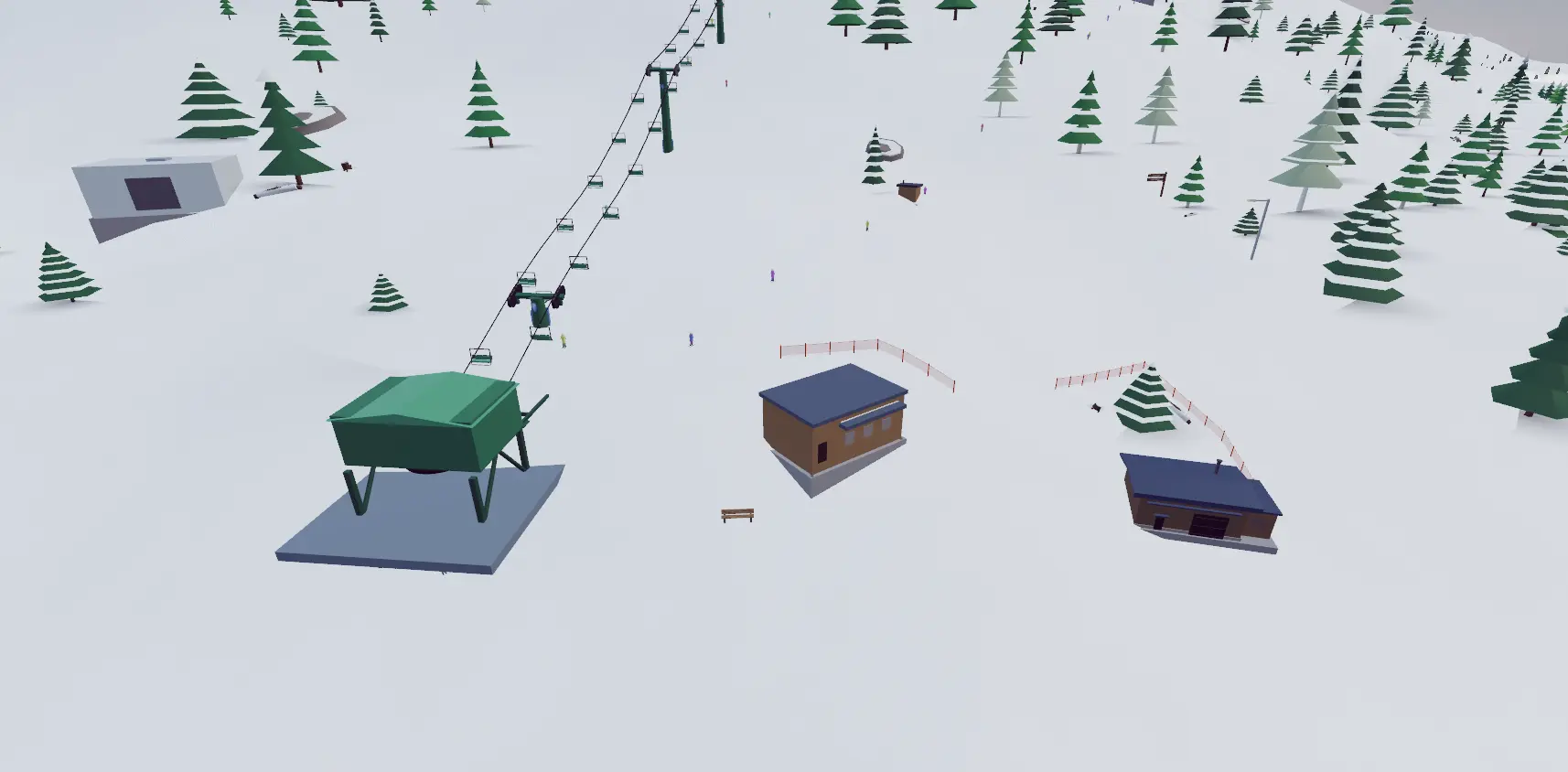
What can you build?
- Terrain
- Sculpt slopes, approaches, and landings.
- Runs
- Lay out ski trails through the mountain.
- Lifts
- Add ski lifts to connect resort areas.
- Terrain parks
- Place jumps, rails, and boxes.
- Buildings
- Create base areas with resort buildings.
- Scenery
- Place trees and other resort objects.
Choose your ski lifts
Build surface lifts such as a Magic Carpet or T-Bar, fixed-grip and detachable chairlifts, or gondolas. The illustrated ski lift catalog shows the available types and explains riding controls.
Build a base area
Place buildings such as the Grand Lodge and Ticket Office around your lift base. The library also includes a Mid-Mountain Restaurant, Ski School, Rental & Retail, and Ski Patrol Clinic.
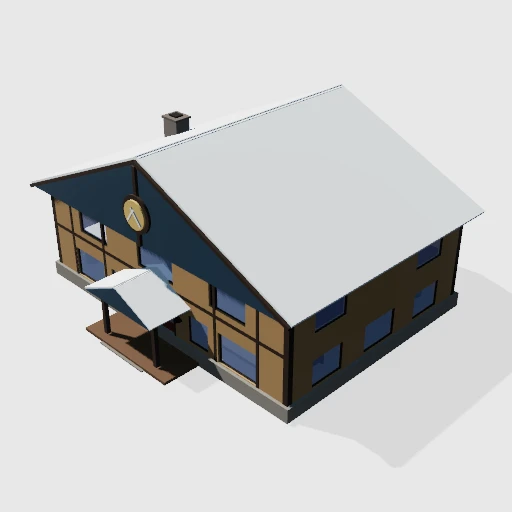
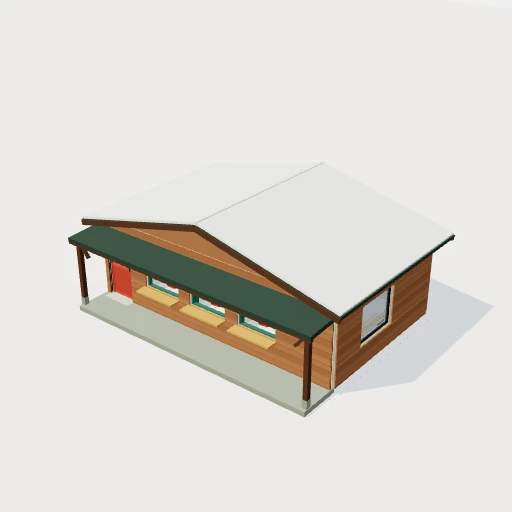
These are previews of placeable game buildings. Combine them with trails, trees, and park features to lay out your resort.
Create and ski your resort
- Choose Build on the welcome screen.
- Create a resort and select a mountain.
- Use the building tools to shape terrain and place objects.
- Switch to skiing to test the slopes and park features.
- Return to the tools to edit your build.
Press ? for the controls for your active tool. For jump and rail placement, see the terrain park builder guide.
Guide reviewed .